0.1 preview

Every colour on your screen, one shortcut away

A colour picker and palette tool for the macOS menu bar. Pick any pixel, keep it in a palette, and paste it as CSS, Swift, SwiftUI or 25 more formats.

Download Pik
  • Native, 35 MB in memory, ready in a quarter of a second
  • No account, no cloud: your colours stay on your Mac
  • Pay once, $9
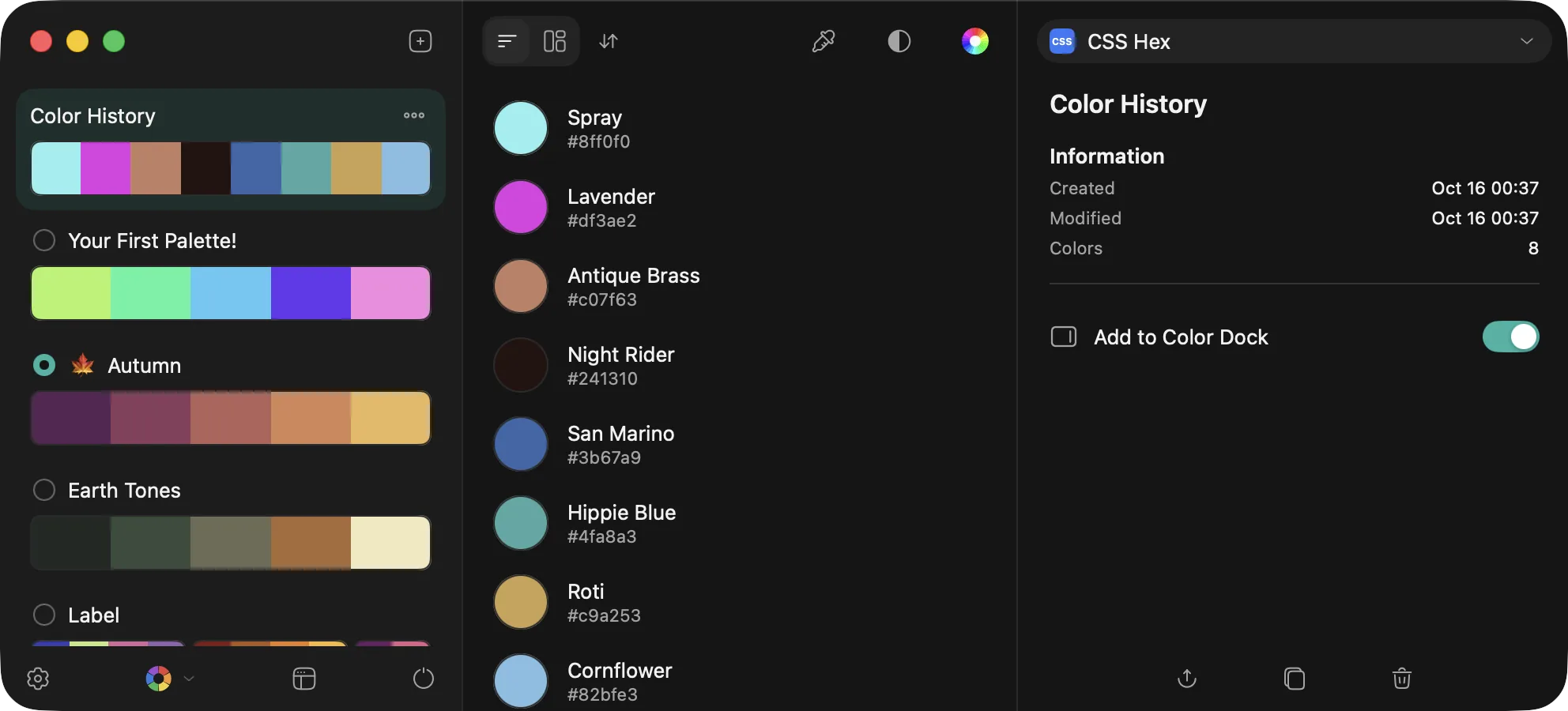
Pik's main window: Color History, palettes and the colour inspector

28

code formats, plus your own

35 MB

memory, idle in the menu bar

MacBook Air M4

~0.25 s

from launch to ready

MacBook Air M4

10 MB

download, universal app

Features

The colour picker for your menu bar

Picker

⌃⌥⌘P

Pick any pixel, on any display

Press ⌃⌥⌘P or click the menu bar icon, and a loupe with the pixel grid opens above every app, the menu bar and full-screen windows. The value is shown in your format as you move.

  • = and / resize the loupe, with ⌥ they zoom; two-finger swipes do the same
  • Arrow keys move one pixel, ⇧ ten; click, Return or Space picks
  • Hold ⌘ to pick several colours at once and make a palette of them
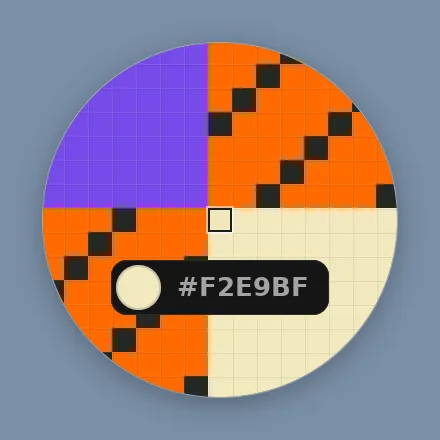
Pik's loupe over a pixel grid, showing #F2E9BF

Menu bar

Your palettes, one click away

The menu bar item opens the picker on its left half and your palettes on its right. Click a swatch to copy it in the current format, or open a palette's page.

  • The format, every palette and its colour strip in one menu
  • Colour-blindness previews right from the menu
  • The icon can show the last colour you picked
Pik's menu: the format, Color History and palettes as colour strips

Library

A home for every colour you pick

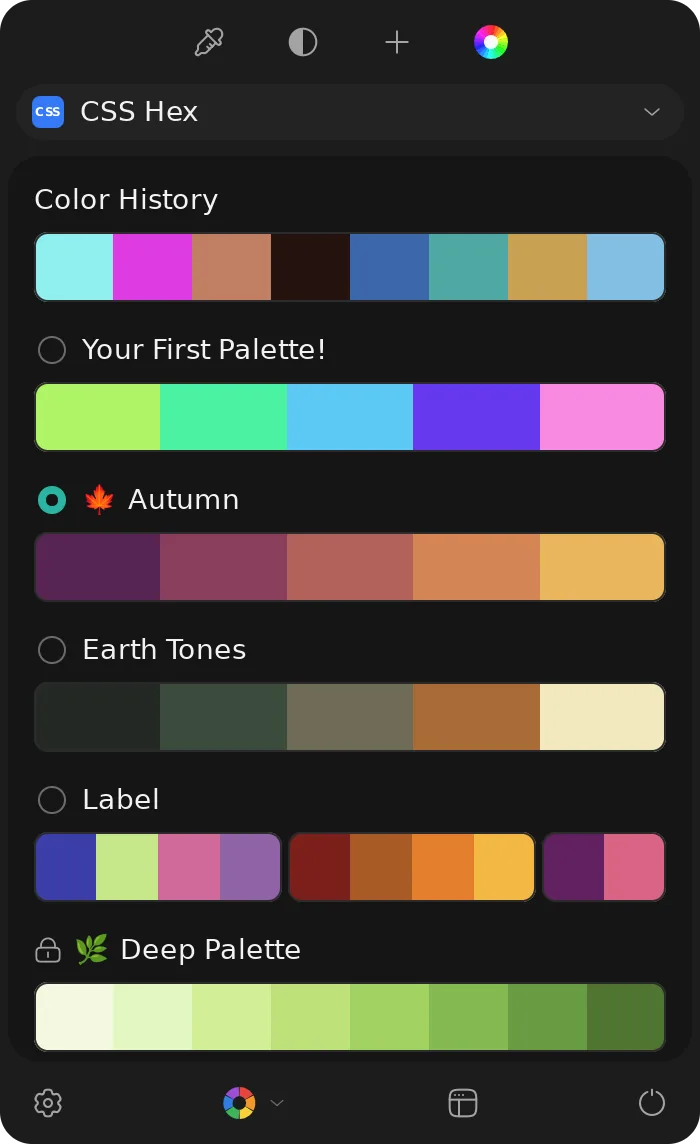
The main window keeps Color History and your palettes, as a list or a grid, in groups and in the order you like, with an inspector for each colour.

  • Drag to reorder, ⌥-drag to copy, drag out to other apps as a colour
  • Edit, duplicate, merge, lock and clean up palettes; undo and redo everything
  • Export and import Pik Palette, ASE, CLR, JSON and PDF, and Sip's .palette and .color files
Pik's main window with Color History and the inspector

Formats

28 code formats, and your own

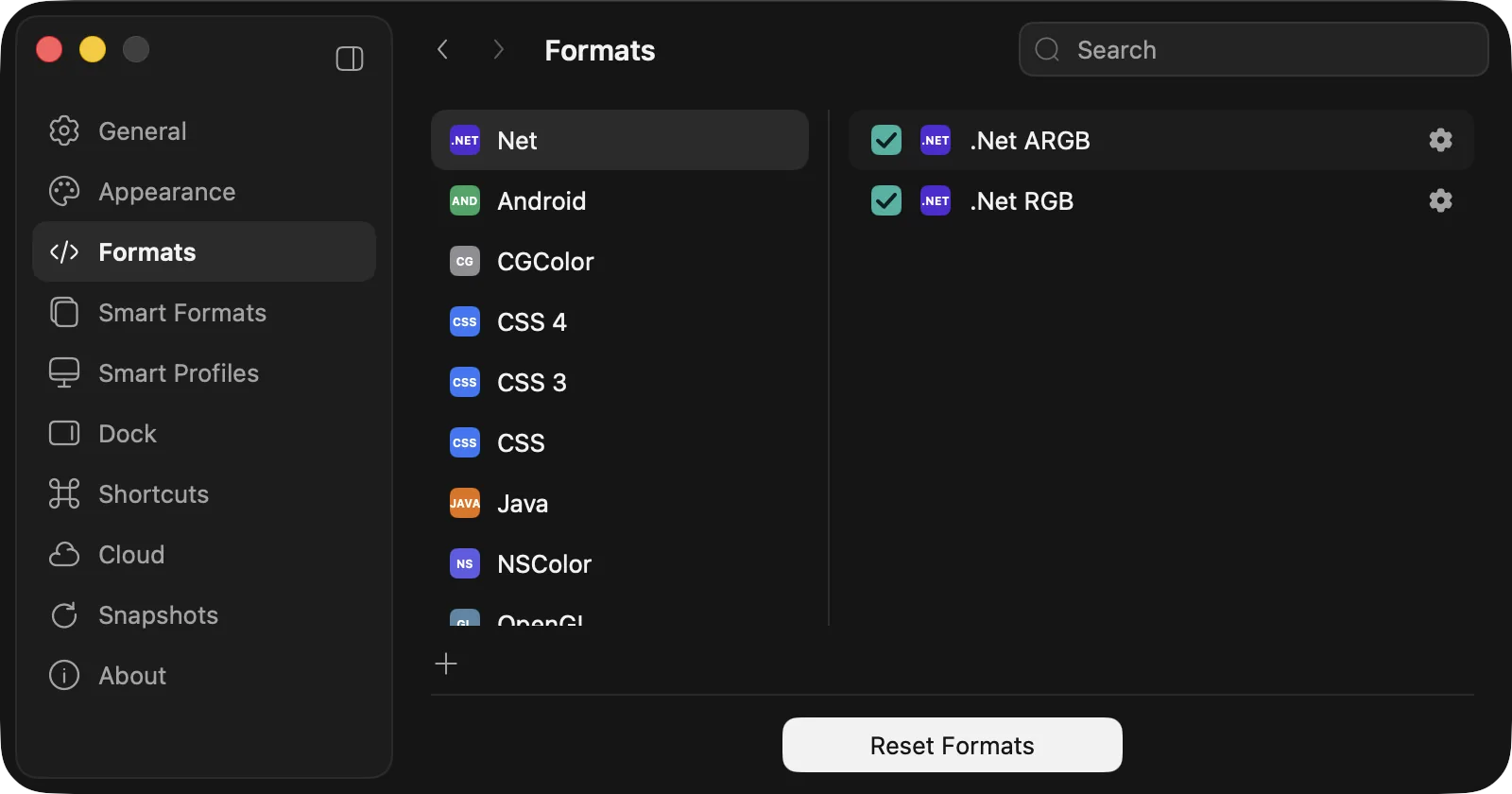
Copy colours as CSS, Swift, SwiftUI, UIColor, NSColor, Android, .NET, Java, OpenGL, CGColor and more, each with its options, or write your own from a template.

  • Smart Formats choose the format for the app in front: SwiftUI in Xcode, CSS in your editor
  • Smart Profiles convert to sRGB, Display P3, Adobe RGB or the display's own profile
  • A template editor for formats nobody else ships
Pik's Formats preferences with .NET, Android, CGColor, CSS and more

Contrast

⌃⌥⌘O

Check contrast before you ship

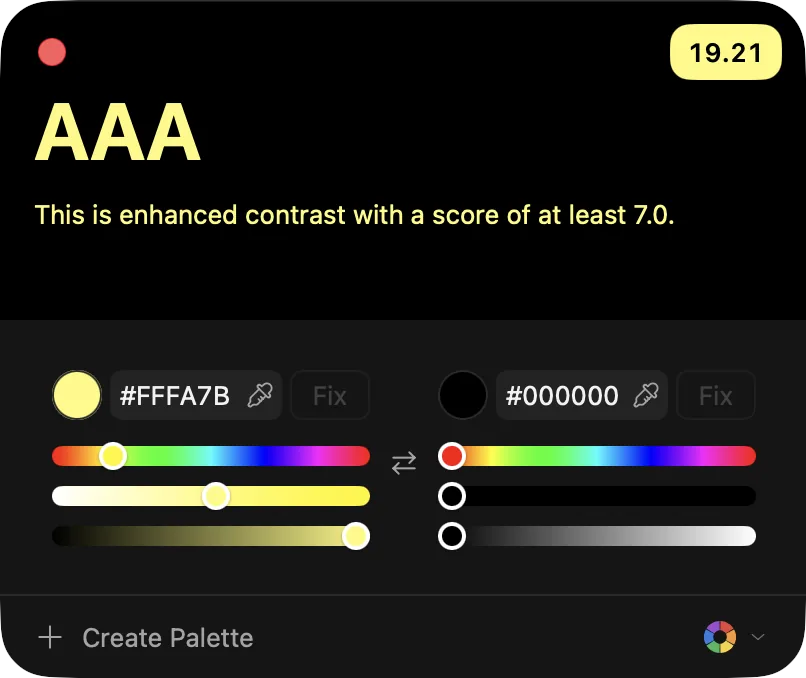
See two colours' WCAG level (Fail, AA Large, AA, AAA) and ratio, adjust hue, saturation and brightness, and let Fix find the nearest passing pair.

  • Eyedroppers and swap built in; save a pair as a palette
  • Protanopia, deuteranopia, tritanopia and achromatopsia previews on every swatch and the loupe
Pik's contrast checker showing AAA, 19.21:1

Color Dock

⌃⌥⌘D

Palettes at the edge of your screen

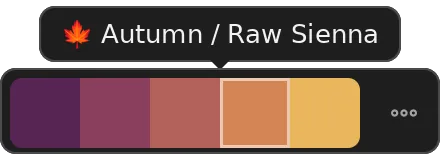
A slim bar of your palettes on any screen edge, on every Space. Hover a palette to see its colours, click one to copy it, or drag it straight into your design.

The Color Dock showing the Autumn palette and Raw Sienna

Send to apps

Send colours to the app you work in

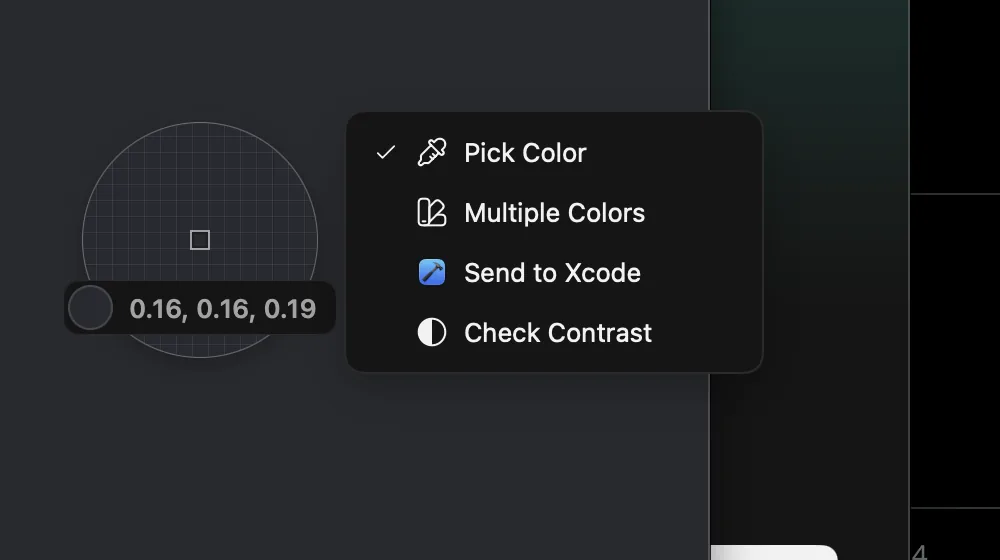
Hold ⌘ in the picker to send a colour to Photoshop, Illustrator, InDesign, Sketch, Xcode, VS Code, Nova, Figma, Cursor or Zed. ⌃⌥⌘F and ⌃⌥⌘B read an app's foreground and background colours back into History.

The picker's ⌘ menu with Send to Xcode

Privacy

Your colours never leave your Mac

Pik has no account and no cloud. Nothing you pick is sent anywhere.

  1. 01Screen Recording is used only to read the pixels under the loupe; nothing is recorded or stored.
  2. 02Your library and settings are plain JSON in ~/Library/Application Support/Pik, with a backup of the previous version.
  3. 03Snapshots back up your library on this Mac, automatically, and restore it in one click.
  4. 04The only connection Pik makes is a daily update check, which you can turn off.

Requirements

macOS
15 or later
Chip
Apple silicon or Intel
Disk
About 30 MB
Languages
English, 简体中文

Permissions

  • Screen Recording

    The picker reads the pixels under the loupe. Nothing is recorded or saved.

  • Automation

    Only for Send to Photoshop, Illustrator and InDesign, which use AppleScript.

  • Accessibility

    Only for sending colours to code editors and Figma, and reading colours from them.

FAQ

Questions

No. Pik has no cloud on purpose. Snapshots back up your library on each Mac, and you can export palettes (ASE, CLR, JSON, PDF or Pik Palette) to move them.

Pik, $9 once

No subscription. Or get every paid app in the bundle for $39.

Latest release

In development

Full changelog

Every feature is built and tested on a Mac. Expect rough edges until 1.0.